Resume Photo: Size, Background and Tips for a Professional CV Photo
Should You Put a Photo on Your Resume?
It depends on the country and the employer:
- Common or expected: India, much of Europe (for example Germany and Italy), the Middle East and parts of Asia. Many government job and campus forms also ask for a photo.
- Usually avoided: the US, UK, Canada and Australia, where recruiters often remove photos to reduce bias. Leave it off unless the job ad asks for one.
If a photo is optional, add one only if it looks professional. A poor selfie hurts more than no photo.
Best Resume Photo Size
| Use | Recommended size |
|---|---|
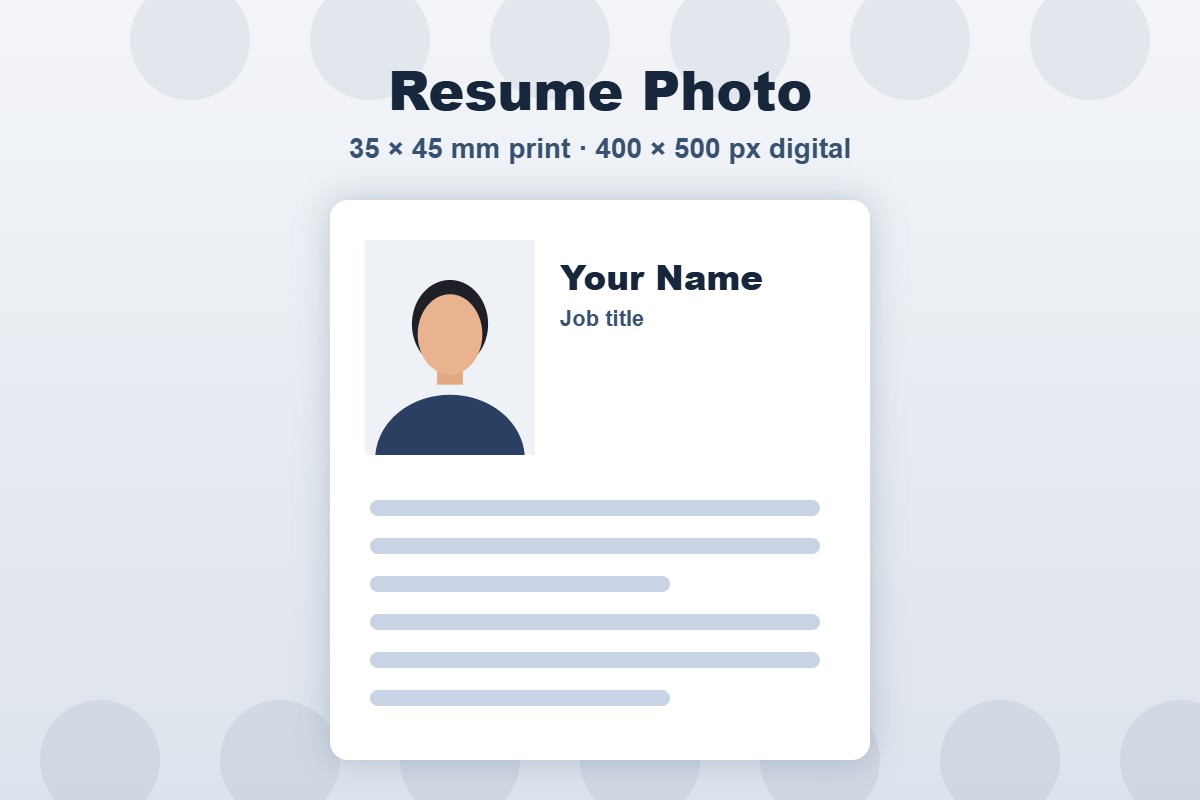
| Printed CV or application form | 35 × 45 mm (passport size), 300 DPI |
| Photo in a Word / Google Docs CV | About 3–4 cm wide, inserted from a 400 × 500 px or larger image |
| Online job portals | Square 400 × 400 px to 800 × 800 px, or the portal’s stated size |
| LinkedIn profile photo | 400 × 400 px minimum (square, displayed as a circle) |
A 4 : 5 portrait at 400 × 500 px or larger works well in most CV templates. Use the photo maker with Custom size → Pixels, or the 35 × 45 mm preset for a printed CV.
Resume Photo Tips
- Framing: head and shoulders, face filling about 50–60% of the height. This is looser than a passport photo, so you look approachable rather than like an ID card.
- Expression: a natural, slight smile is fine on a CV, unlike a passport photo.
- Background: plain white, light grey or a softly blurred neutral wall. Avoid busy rooms, cars and outdoor clutter.
- Clothing: what you would wear to the interview. Solid, darker colours like navy, grey or black photograph well. Avoid loud patterns.
- Lighting: face a window in daylight; avoid harsh overhead light and shadows.
- Editing: minor brightness and crop changes are fine; avoid heavy filters and beauty effects.
- Recent: the photo should look like you at the interview.
Resume Photo vs Passport Photo
| Resume photo | Passport photo | |
|---|---|---|
| Expression | Natural slight smile | Neutral, mouth closed |
| Face coverage | About 50–60% | 70–85% |
| Background | White, grey or soft neutral | Plain white (country rules) |
| Editing | Light touch-ups OK | No editing |
| Size | Flexible | Fixed by authority |
A passport size photo is an acceptable fallback for job forms that ask for one. See passport photo requirements.
How to Add a Photo to a CV
- Create a 400 × 500 px (or larger) JPG with the photo maker.
- In Word or Google Docs, insert the image in the header or top corner and resize it to about 3–3.5 cm wide.
- Keep the aspect ratio locked to avoid stretching.
- Export the CV as PDF so the photo stays in place.
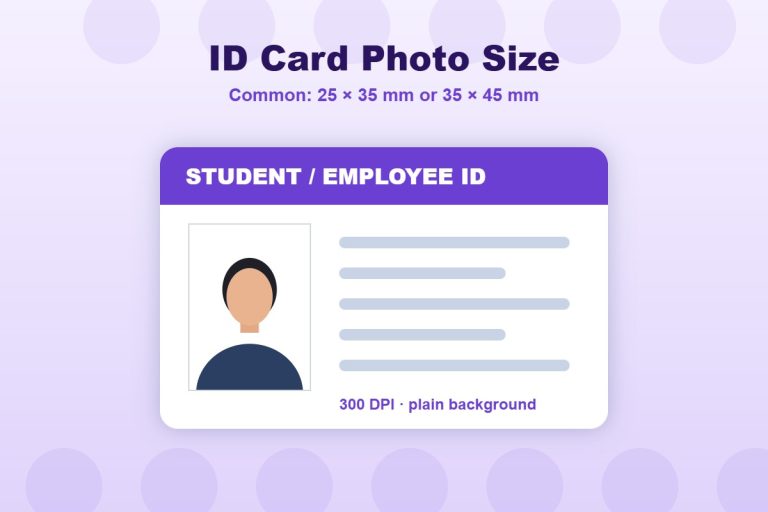
For school, college or office IDs, see ID Card Photo Size.
Resume Photo Rules by Country
| Country / region | Photo on a CV? | Notes |
|---|---|---|
| India | Common, often expected | Many private and government job forms ask for a passport size photo |
| Germany, Austria, Switzerland | Common | A professional “Bewerbungsfoto” is still widely used |
| France, Italy, Spain | Optional, often included | Keep it formal and small |
| Middle East (UAE, Saudi Arabia, Qatar) | Often expected | Recruiters frequently request a photo |
| China, Japan, South Korea | Usually expected | Japan has standard resume (rirekisho) photo boxes |
| United States, Canada | Usually not | Many employers avoid photos for anti-discrimination reasons |
| United Kingdom, Ireland | Usually not | Leave it off unless asked |
| Australia, New Zealand | Usually not | Leave it off unless asked |
When applying internationally, follow the norms of the country where the job is, not where you live.
What to Wear in a Resume Photo
- Corporate roles (finance, law, consulting): a dark blazer or suit jacket with a plain shirt or blouse
- Tech, marketing and creative roles: a smart shirt, plain sweater or simple top; avoid loud prints and logos
- Healthcare, hospitality or uniformed roles: clean, simple clothing, or a uniform if it is part of the role
- Colours: navy, charcoal, black, burgundy and dark green photograph well. Avoid neon colours and very fine stripes, which can shimmer in photos
- Accessories: keep jewellery minimal; glasses are fine on a CV if there is no glare
How to Take a Professional Resume Photo at Home
- Find good light: stand facing a large window in daylight. Overcast days give the softest light.
- Choose a background: a plain light wall, or a neutral wall a few metres behind you so it blurs.
- Camera position: ask someone to shoot from slightly above eye level, about 1.5–2 m away, using the rear camera or portrait mode.
- Pose: turn your shoulders slightly (about 15–20°) and face the camera. Keep your back straight and chin slightly forward.
- Expression: a natural, relaxed smile; think of something pleasant rather than “saying cheese”.
- Crop: head and top of the shoulders, face filling about half of the photo height.
- Finish: crop to 4 : 5 or square in the photo maker and export a high-quality JPG.
Resume Photo Do’s and Don’ts
| Do | Don’t |
|---|---|
| Use a recent photo that looks like you today | Use an old or heavily edited photo |
| Keep the background plain or softly blurred | Crop yourself out of a group or party photo |
| Dress as you would for the interview | Wear sunglasses, caps or very casual clothes |
| Look at the camera with a natural smile | Use selfies with filters or extreme angles |
| Use good daylight | Use flash, which flattens the face |
| Keep the photo small and neat in the CV | Make the photo bigger than the contact details |
Where to Place the Photo on a CV
- Top left or top right corner of the first page, next to your name and contact details
- About 3–4 cm wide, aligned with the header text
- Only on the first page, never repeated
- Not in the cover letter unless requested
If a job portal has its own profile photo upload, use a square crop of the same photo for consistency across your CV, the portal and LinkedIn. For ID cards and documents, see ID Card Photo Size and Passport Photo Requirements.
Related Guides
- Passport Size Photo Maker — crop, resize and download your photo free
- ID Card Photo Size — school, college and employee ID photos
- Passport Photo Requirements — face size, background, glasses and dress rules
- Passport Photo Background — best background colour and how to get it
- Passport Size Photo Size — dimensions in mm, cm, inches and pixels
Frequently Asked Questions
What is the best size for a resume photo?
For printed CVs use passport size, 35 × 45 mm at 300 DPI. For digital CVs a 400 × 500 px (4 : 5) or 400 × 400 px square photo works in most templates.
Should I smile in a resume photo?
Yes, a natural slight smile is fine on a resume. It is only passport and visa photos that require a neutral expression.
What background is best for a CV photo?
A plain white or light grey background, or a softly blurred neutral wall.
Should I put a photo on my resume in the US or UK?
Usually no. Most US and UK employers prefer resumes without photos unless the job ad asks for one.
Can I use a passport size photo on my resume?
Yes, a passport size photo is acceptable, especially in India. A slightly looser head-and-shoulders crop with a natural smile looks more professional on a CV.
Should my resume photo be in colour or black and white?
Colour is standard. Black and white can work for creative roles but is less common.
Where should I put my photo on a resume?
In the top left or right corner of the first page, about 3–4 cm wide, next to your name and contact details.
Can I use a selfie as a resume photo?
It is better not to. Selfies distort the face. Ask someone to take the photo with the rear camera from about 1.5–2 m away.
AUTHOR & WEBSITE OWNER
Written by Muzammal Amin
Muzammal Amin is a PhD student in Physics at the University of Turin with core expertise in mathematics and physics. He develops and reviews the website’s measurement guidance and browser-based photo utility.

Passport Size Photo
An independent online photo utility to create passport-size photos quickly, privately, and easily in your browser.
© PassportSizePhoto.org
Independent online photo utility.
Not affiliated with any government authority.