ID Card Photo Size: School, College and Employee ID Photos
ID Card Photo Size in Short
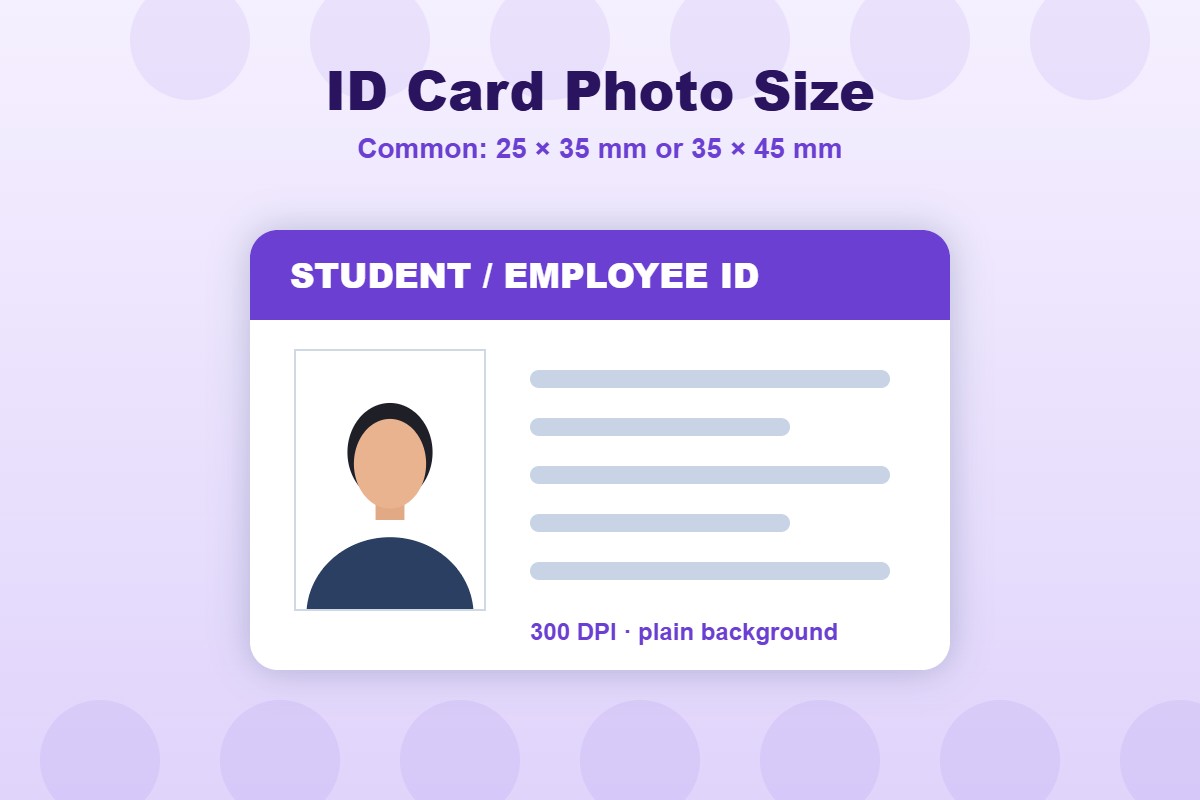
There is no single ID card photo size. The size depends on the template the school, college or company uses. The two most common sizes are:
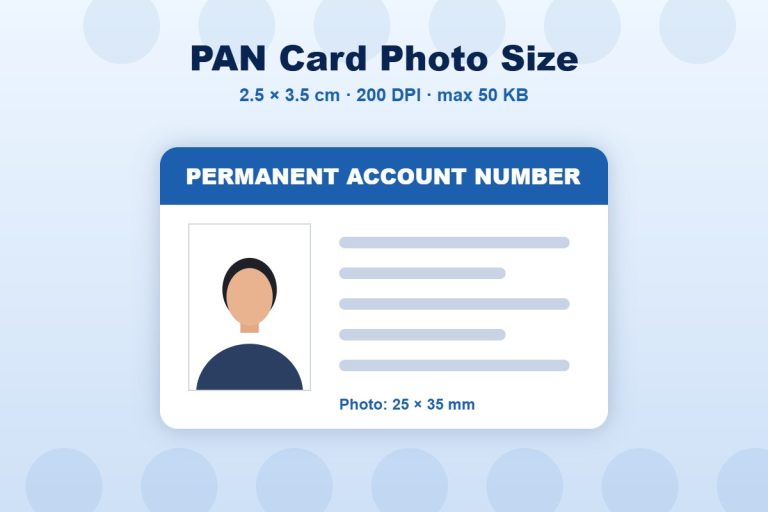
- 25 × 35 mm (2.5 × 3.5 cm), used on many school and employee ID cards and the same as the PAN card format
- 35 × 45 mm (3.5 × 4.5 cm), the standard passport size, often requested when the card is printed by the organisation
Digital ID systems usually ask for a square or 3 : 4 photo in pixels, such as 300 × 400 px or 600 × 600 px, with a file-size limit.
| ID photo size | cm | Pixels at 300 DPI | Shape |
|---|---|---|---|
| 25 × 35 mm | 2.5 × 3.5 | 295 × 413 | Portrait |
| 30 × 40 mm | 3 × 4 | 354 × 472 | Portrait (3 : 4) |
| 35 × 45 mm | 3.5 × 4.5 | 413 × 531 | Portrait (passport size) |
| 51 × 51 mm (2 × 2 in) | 5.1 × 5.1 | 600 × 600 | Square |
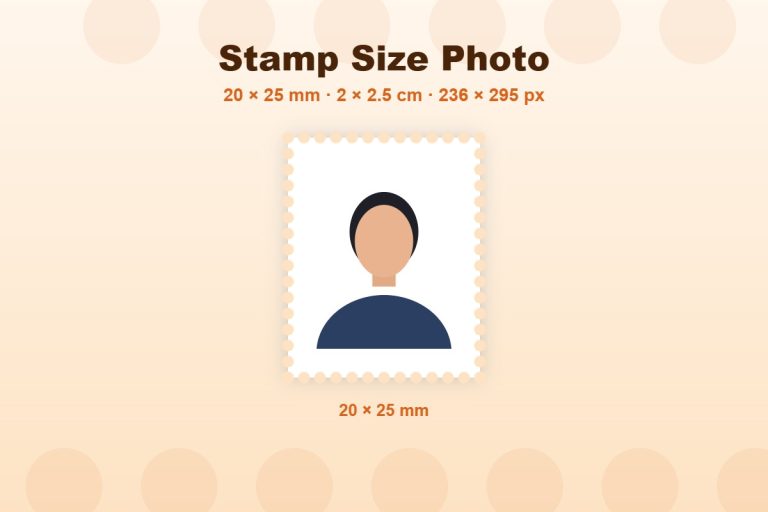
| 20 × 25 mm (stamp size) | 2 × 2.5 | 236 × 295 | Portrait |
If you are unsure, send a 35 × 45 mm photo at 300 DPI. It can be cropped down to smaller frames without losing quality.
Student ID and School ID Card Photo Size
Schools often print ID cards on a CR80 card (85.6 × 54 mm). The photo window on such cards is usually about 25 × 30 to 25 × 35 mm. School admission forms often ask for “passport size” (35 × 45 mm) or “stamp size” (20 × 25 mm) prints. Check the form, then use the matching preset:
Employee ID Card Photo
HR teams usually ask for a digital photo by email or through an HR portal. A good default is a 600 × 800 px JPEG (3 : 4) or a 600 × 600 px square, under 200 KB, with a plain light background. Use the Custom size → Pixels option in the photo maker to match the exact numbers.
ID Photo Requirements
- Plain white or light-grey background, without shadows (background guide)
- Face centred, looking at the camera, head and top of shoulders visible
- Neutral or lightly smiling expression (stricter for government IDs)
- No sunglasses, caps or filters
- Sharp, well-lit and in colour
Government-issued IDs follow stricter rules. See Passport Photo Requirements, PAN Card Photo Size and Driving Licence Photo Size.
How to Make an ID Card Photo Online
- Take a photo against a plain wall in daylight.
- Open the photo maker and choose the size your organisation asks for, or enter a custom size in mm or pixels.
- Crop so the face fills about 60–80% of the height.
- Download a JPG. For printing, use the A4 or 4 × 6 in print sheet.
Standard ID Card Size and Photo Window
Most plastic ID cards in schools, colleges and offices are printed on the CR80 card size, the same as a bank card: 85.6 × 54 mm (3.37 × 2.13 in). The photo window takes up about a third of the card width.
| Card layout | Typical photo window | Recommended photo to supply |
|---|---|---|
| Horizontal (landscape) CR80 | 20–25 mm wide × 25–30 mm tall | 25 × 35 mm or passport size; the printer crops it |
| Vertical (portrait) CR80 | 25–30 mm wide × 30–38 mm tall | 35 × 45 mm passport size |
| Paper ID / library card | Varies, often a stamp size box | 20 × 25 mm stamp size (guide) |
| Digital ID in an app or portal | Square or 3 : 4 | 600 × 600 px or 600 × 800 px |
When the card printer crops your photo to fit the window, leave a little space around the head so nothing important is lost.
Photo Size for Specific ID Cards in India
| ID card | Usual photo requirement |
|---|---|
| School ID card | Passport or stamp size print, plain light background, school uniform often required |
| College ID card | Passport size (35 × 45 mm) print or a digital photo through the college portal |
| Employee ID card | Digital photo, often square or 3 : 4, through HR |
| Voter ID (EPIC) | Uploaded through the voter portal; follow the size and KB limit shown on the form |
| Aadhaar | Photo is taken live at the enrolment centre; no upload needed |
| PAN card | 25 × 35 mm at 200 DPI under 50 KB (guide) |
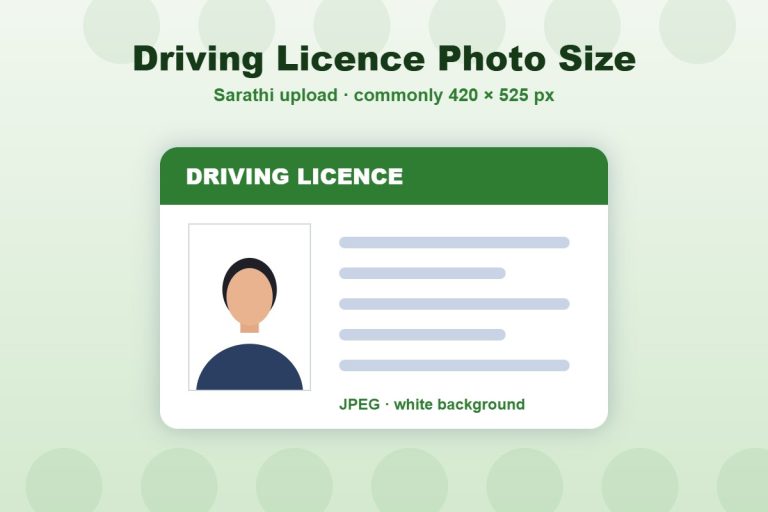
| Driving licence | Sarathi upload, commonly 420 × 525 px (guide) |
Digital ID Photo Requirements for Portals
Online ID systems such as HR portals, university admission portals and access-control systems usually specify:
- Shape: square (1 : 1) or portrait (3 : 4 or 7 : 9)
- Pixels: typically between 300 and 1000 px on the long side
- File: JPG or PNG, often under 100–200 KB
- Background: plain white or light grey
To match these exactly, open the photo maker, choose Custom size → Pixels, type the width and height from the portal, and set the maximum file size.
Tips for a Good ID Card Photo
- Head and shoulders: frame from just above the hair to the top of the chest.
- Look at the camera with a relaxed, neutral or lightly smiling face, unless the organisation asks for a neutral expression.
- Clothing: wear what you would wear to school or work; uniforms are fine for school and company IDs (unlike passports).
- Contrast: avoid white clothing on a white background.
- Light: soft daylight from the front; no shadows behind the head.
- Glasses: allowed on many organisational IDs, but avoid glare. Tilt the frames slightly down or remove them if the lenses reflect.
- Sharpness: the photo is printed small, so a blurry original looks worse on the card.
How to Print ID Photos at Home
- Create the photo at the size the school or office asks for.
- Download the A4 print sheet from the photo maker. It places many copies with cut guides at 300 DPI.
- Print on glossy photo paper at 100% / actual size.
- Cut along the guides and check one photo with a ruler.
See How to Print Passport Size Photos for paper and printer settings.
Related Guides
- Passport Size Photo Maker — crop, resize and download your photo free
- PAN Card Photo Size — NSDL and UTIITSL photo and signature specs
- Stamp Size Photo — 20 × 25 mm in cm, inches and pixels
- Resume Photo — size and tips for a CV photo
- Passport Size Photo Size — dimensions in mm, cm, inches and pixels
- Passport Photo Requirements — face size, background, glasses and dress rules
Frequently Asked Questions
What is the standard ID card photo size?
There is no single standard. The most common sizes are 25 × 35 mm and 35 × 45 mm (passport size). Use the size printed on your form or ID template.
What is the ID card photo size in pixels?
At 300 DPI, 25 × 35 mm is 295 × 413 px and 35 × 45 mm is 413 × 531 px. Digital HR systems often accept 600 × 800 px or 600 × 600 px.
Can I use a passport size photo for an ID card?
Yes, in most cases. A 35 × 45 mm passport size photo can be used directly or cropped to the smaller ID window.
What background is best for an ID card photo?
Plain white or light grey with no shadows. It prints cleanly and works for most ID templates.
What is the standard ID card size?
Most ID cards use the CR80 size of 85.6 × 54 mm (3.37 × 2.13 inches), the same as a bank card.
Can I wear glasses in an ID card photo?
For school and office ID cards glasses are usually allowed if there is no glare. Government IDs such as passports have stricter rules.
Can I wear a uniform in an ID card photo?
Yes. School and company ID photos are often taken in uniform. Uniforms are only discouraged for passport and visa photos.
What size photo should I send for an employee ID card?
Send the size HR asks for. If none is given, a 600 × 800 px JPG with a plain light background works for most systems.

AUTHOR & WEBSITE OWNER
Written by Muzammal Amin
Muzammal Amin is a PhD student in Physics at the University of Turin with core expertise in mathematics and physics. He develops and reviews the website’s measurement guidance and browser-based photo utility.

Passport Size Photo
An independent online photo utility to create passport-size photos quickly, privately, and easily in your browser.
© PassportSizePhoto.org
Independent online photo utility.
Not affiliated with any government authority.