US Visa Photo Size: 2 × 2 Inch (51 × 51 mm) and 600 × 600 Pixels
US Visa Photo Size at a Glance
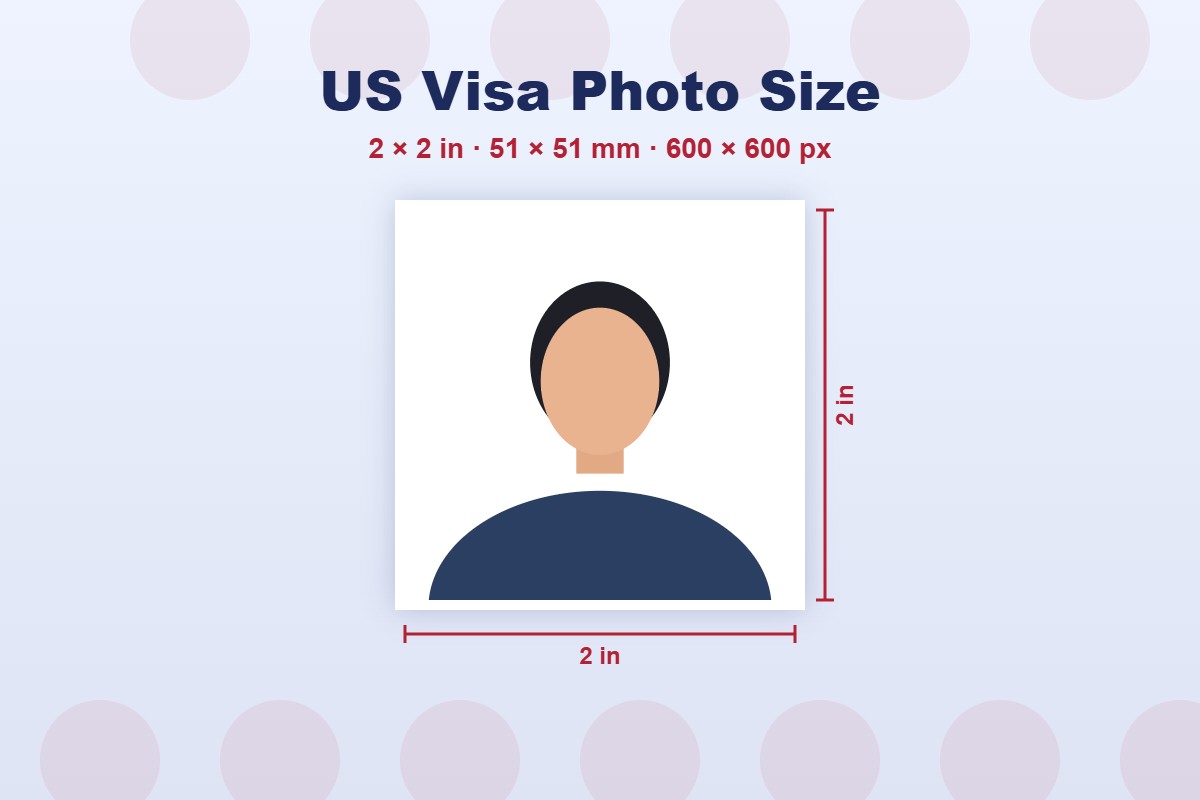
The US visa photo size is 2 × 2 inches (51 × 51 mm), a square photo. For the online DS-160 form you upload a digital version: a square JPEG of at least 600 × 600 pixels and up to 1200 × 1200 pixels, no larger than 240 KB.
| Specification | Requirement |
|---|---|
| Printed size | 2 × 2 in (51 × 51 mm) |
| Digital size (DS-160) | Square, 600 × 600 px to 1200 × 1200 px |
| File | JPEG, ≤ 240 KB, sRGB colour |
| Head height | 1 to 1 3/8 in (25–35 mm), about 50–69% of the image height |
| Eye height | 1 1/8 to 1 3/8 in (28–35 mm) from the bottom |
| Background | Plain white or off-white |
| Glasses | Not allowed |
| Taken | Within the last 6 months |
Source: U.S. Department of State, photo requirements and digital image requirements. Scanned prints must be scanned at 300 pixels per inch.
2 × 2 Photo Size in cm, mm and Pixels
| Unit | Size |
|---|---|
| Inches | 2 × 2 in |
| Millimetres | 51 × 51 mm |
| Centimetres | 5.1 × 5.1 cm |
| Pixels at 300 DPI | 600 × 600 px |
| Pixels at 600 DPI | 1200 × 1200 px |
The US passport photo uses the same 2 × 2 inch size and the same appearance rules. For online passport renewal, the file limits differ: larger files are accepted, but there is a minimum file size.
How to Make a 2 × 2 Photo Online
- Open the US digital preset (600 × 600 px) for DS-160, or the 2 × 2 in print preset.
- Upload a front-facing photo taken against a white wall in daylight.
- Size the head so it fills about half to two-thirds of the square, with the eyes a little above the middle.
- Choose JPG and keep the file under 240 KB.
- For prints, download the 4 × 6 in print sheet (two 2 × 2 photos with cut guides) or the A4 sheet (fifteen 2 × 2 photos).
US Visa Photo Requirements
- No glasses, unless you have a signed medical statement.
- Neutral expression or a natural closed-mouth smile; both eyes open.
- Face the camera directly, full face visible, no head tilt.
- Plain white or off-white background, no shadows.
- Everyday clothing; no uniforms. Religious head coverings only if worn daily, with the face fully visible.
- No filters, retouching or AI enhancement. The validator may reject edited photos.
More detail is in Passport Photo Requirements.
What If the DS-160 Photo Upload Fails?
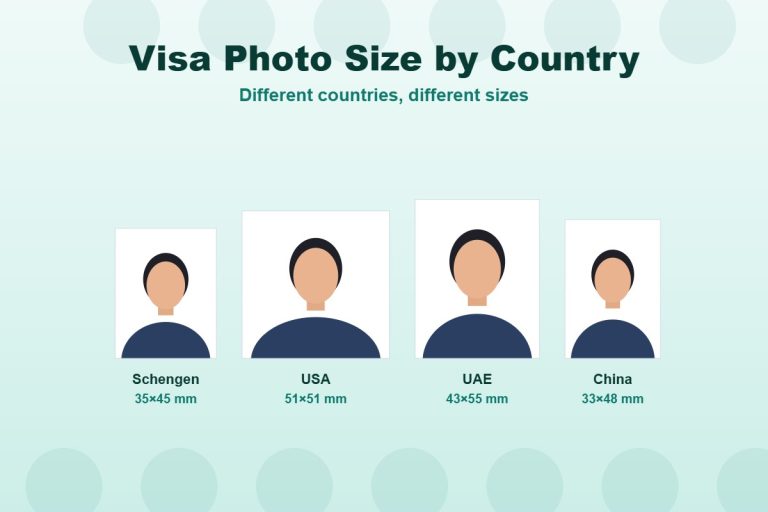
If the photo tool rejects your image, check the pixel size (square, at least 600 × 600), the file size (≤ 240 KB) and the face position, and try again. If it still fails, the DS-160 may let you continue; you then bring a printed 2 × 2 photo to your interview. The visa photo size by country table lists other countries’ formats.
US Visa Photo Head Size and Position
The US rules are stricter about head position than many other countries. On a 2 × 2 inch photo:
| Measurement | Requirement | On a 600 × 600 px image |
|---|---|---|
| Head height (chin to top of hair) | 1 to 1 3/8 in (25–35 mm) | About 300–414 px (50–69%) |
| Eye height from the bottom | 1 1/8 to 1 3/8 in (28–35 mm) | About 336–414 px from the bottom |
| Head position | Centred, facing straight | Nose roughly in the middle |
| Space above head | Small gap above the hair | Do not crop the top of the head |
A quick way to check: when the head fills about two-thirds of the square and the eyes sit slightly above the middle, the photo is usually in range.
DS-160 Photo Upload: Step by Step
- Prepare a square JPEG of 600 × 600 px (up to 1200 × 1200 px), ≤ 240 KB, sRGB colour.
- In the DS-160 form on ceac.state.gov, go to the photo upload step and choose the file.
- The photo tool checks the size, head position and quality. If it passes, continue.
- If it fails, read the error, fix the photo (usually crop, size or file size) and try again.
- Keep a printed 2 × 2 photo for your interview in case the consulate asks for one.
Do not crop or compress the photo after it has been accepted, and do not upload a scan of a photo printed on plain paper.
US Passport Photo vs US Visa Photo
| US passport (Americans) | US visa (foreign nationals) | |
|---|---|---|
| Printed size | 2 × 2 in | 2 × 2 in |
| Digital use | Online renewal upload | DS-160 / DS-260 upload |
| Pixel size | Square, at least 600 × 600 px | 600 × 600 to 1200 × 1200 px |
| File size | Larger files allowed, with a minimum size | ≤ 240 KB |
| Glasses | Not allowed | Not allowed |
| Expression | Neutral or natural smile | Neutral or natural smile |
The appearance rules are the same; only the file limits differ. If you need a photo for a green card or other USCIS form, the 2 × 2 inch size also applies, but follow the USCIS form instructions.
US Visa Photo Background and Clothing
- Background: plain white or off-white, without shadows, texture or lines. Do not use grey or blue.
- Clothing: normal everyday clothes. Uniforms and camouflage are not allowed, except religious clothing worn daily.
- Head coverings: allowed only for religious or medical reasons; the full face must be visible and no shadows may fall on it.
- Headphones and wireless earbuds: not allowed.
- Hair: must not cover the eyes.
If your background is not white, use the background changer carefully, then check that no halo or grey edge remains around the hair.
Taking a 2 × 2 Photo With a Phone
- Stand about 1 m in front of a white wall, facing a window.
- Have someone take the photo with the rear camera from about 1.2–1.5 m, at eye level.
- Keep both shoulders visible and the head straight.
- Open the 2 × 2 preset or the 600 × 600 px preset.
- Zoom until the head is about two-thirds of the square, with the eyes slightly above the middle.
- Download and check the KB size before uploading.
Related Guides
- Passport Size Photo Maker — crop, resize and download your photo free
- Visa Photo Size by Country — sizes for 15+ countries in one table
- Passport Photo Requirements — face size, background, glasses and dress rules
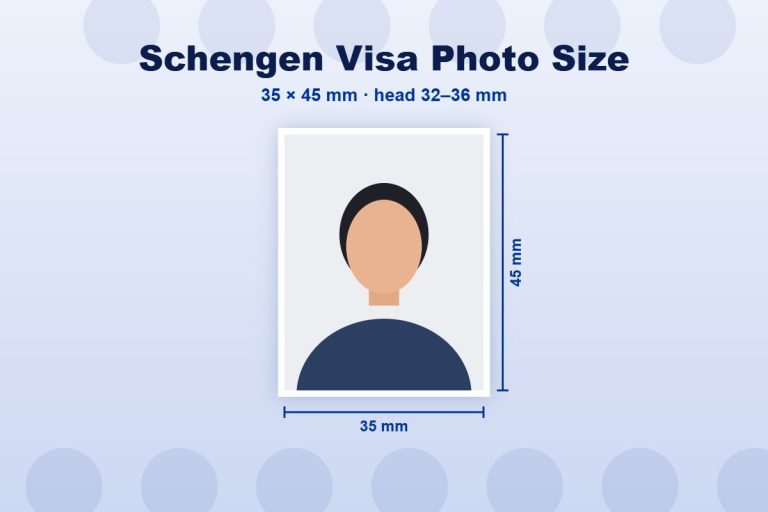
- Schengen Visa Photo Size — 35 × 45 mm biometric rules
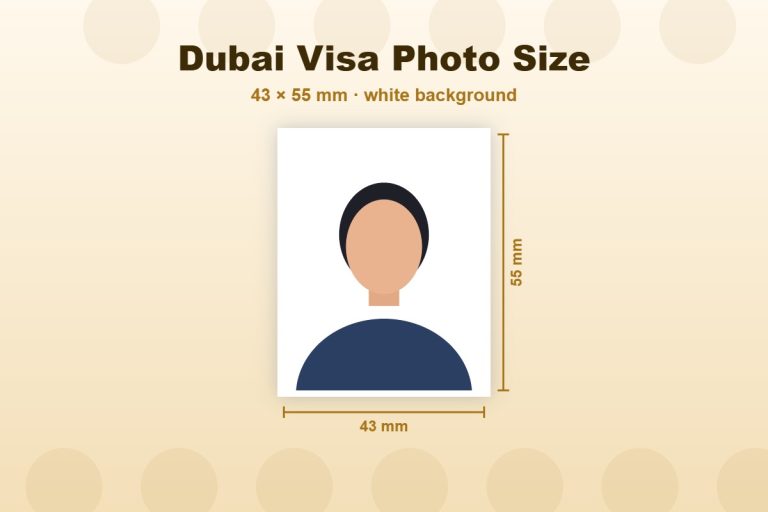
- Dubai Visa Photo Size — UAE visa photo rules
- How to Print Passport Size Photos — 4 × 6 and A4 print sheets
Frequently Asked Questions
What is the US visa photo size?
2 × 2 inches (51 × 51 mm) printed. The digital DS-160 photo must be a square JPEG between 600 × 600 and 1200 × 1200 pixels and no larger than 240 KB.
What is 2 × 2 photo size in cm?
2 × 2 inches is about 5.1 × 5.1 cm (51 × 51 mm).
What is 2 × 2 photo size in pixels?
600 × 600 pixels at 300 DPI, which is the minimum for a US visa digital photo.
Can I wear glasses in a US visa photo?
No. Glasses are not allowed in US visa and passport photos except with a signed medical statement.
Is the US passport photo size the same as the visa photo size?
Yes. Both are 2 × 2 inches with the same appearance rules. File-size limits for online uploads differ.
What is the head size for a US visa photo?
The head should measure 1 to 1 3/8 inches (25–35 mm) from chin to the top of the hair, which is about 50–69% of the photo height.
Can I smile in a US visa photo?
A natural, closed-mouth smile is acceptable, but a neutral expression is safest. Avoid smiles showing teeth.
Can I use the same photo for a US visa and a US passport?
The appearance and 2 × 2 inch size are the same, but the digital file limits differ. A visa photo must be 240 KB or smaller.
Is a grey background allowed for a US visa photo?
No. The background must be plain white or off-white.

AUTHOR & WEBSITE OWNER
Written by Muzammal Amin
Muzammal Amin is a PhD student in Physics at the University of Turin with core expertise in mathematics and physics. He develops and reviews the website’s measurement guidance and browser-based photo utility.

Passport Size Photo
An independent online photo utility to create passport-size photos quickly, privately, and easily in your browser.
© PassportSizePhoto.org
Independent online photo utility.
Not affiliated with any government authority.