Driving Licence Photo Size for Sarathi Parivahan (DL and LLR)
Driving Licence Photo Size in Short
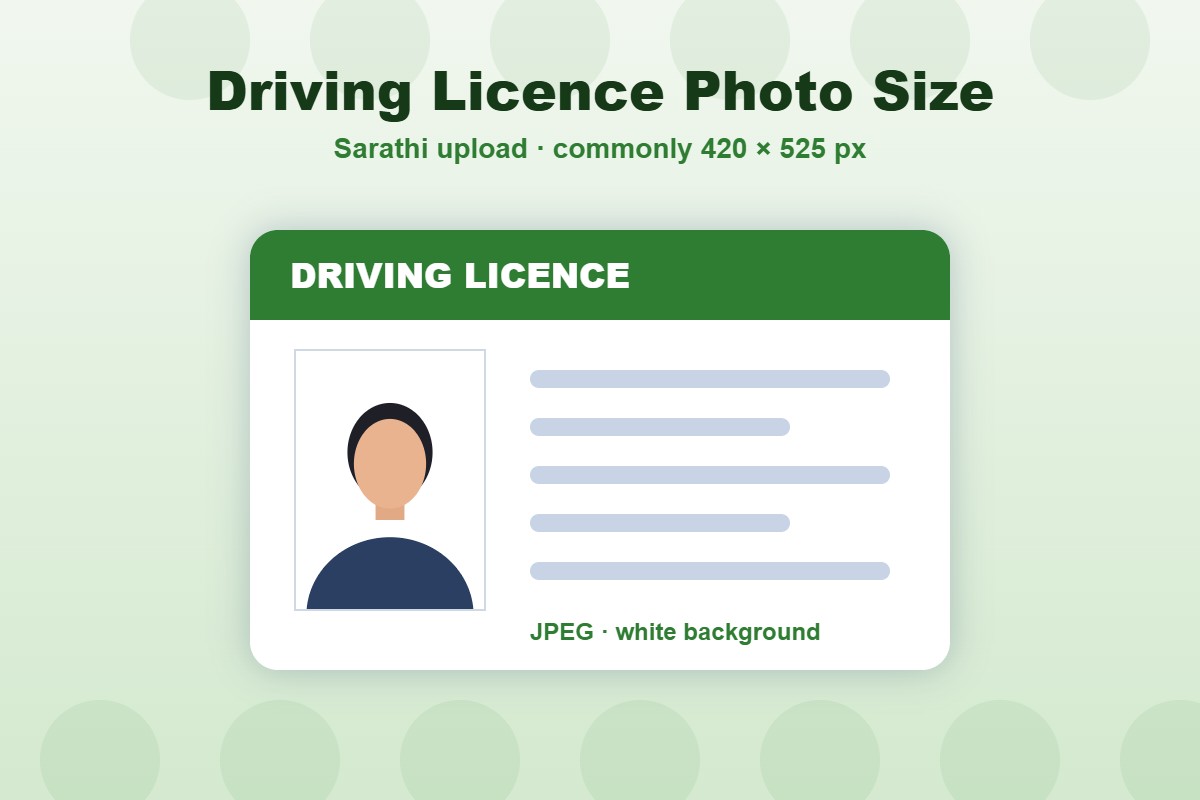
For learner’s licence (LLR) and driving licence (DL) applications on Sarathi Parivahan, you upload a colour JPEG photo with a plain white background. The portal checks the pixel size and file size on upload. The commonly reported requirement is 420 × 525 pixels, under 50 KB. Some state workflows show a smaller limit, such as 10–20 KB.
Rule of thumb: read the limit printed next to the upload button on the Sarathi page and use exactly that. If no size is shown, use 420 × 525 px and stay under 50 KB.
| Item | Common requirement |
|---|---|
| Photo format | JPEG / JPG, colour |
| Photo size | 420 × 525 px (4 : 5 portrait) |
| Photo file size | Under 50 KB (some states: 10–20 KB) |
| Background | Plain white or very light |
| Signature | Black or blue ink on white paper, landscape, small JPEG (often 10–20 KB) |
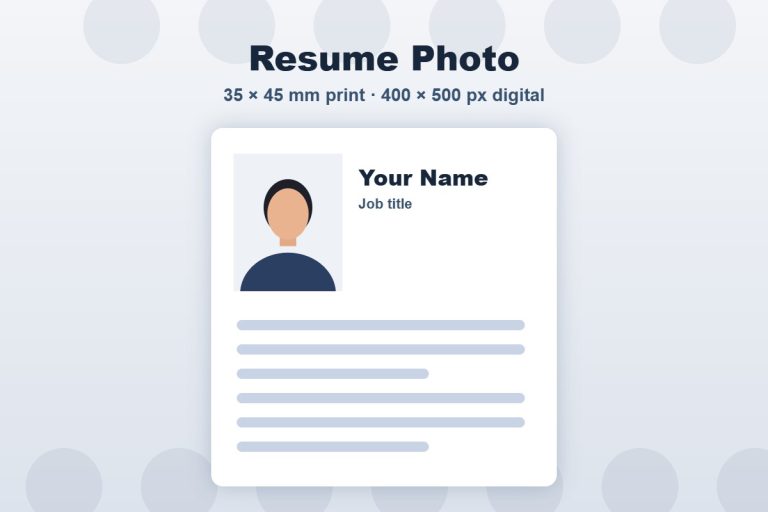
| Printed photo (if the RTO asks) | Passport size, 35 × 45 mm |
How to Make a Driving Licence Photo Online
- Open the Sarathi DL preset (420 × 525 px) in the free photo maker.
- Upload a front-facing photo taken against a white wall.
- Position the face in the centre with the head and top of the shoulders visible.
- Choose JPG and lower the quality until the estimated size is below the portal limit (for example 50 KB or 20 KB).
- Download and upload it in the “Upload Photo and Signature” step.
If the portal shows a different pixel size, choose Custom size → Pixels and type the numbers it asks for.
Driving Licence Signature Size
Sign with a black or blue pen on white paper. Take a straight, well-lit photo of it and crop tightly around the signature in landscape. The signature file is usually small, often with a 10–20 KB limit. As with the photo, use the pixel size and KB limit shown on the Sarathi upload screen.
Learner’s Licence (LLR) Photo
The learner’s licence uses the same Sarathi upload step as the permanent DL, so the same photo works for both. Keep a copy of the file. You may need it again for the permanent licence application.
Driving Licence Photo Change Online
To update the photo on an existing DL, use the “Change of Photo” or “Duplicate DL” service on Sarathi where your state offers it. Some states still require a visit to the RTO for a live photo. Prepare the new photo with the same size and KB rules above. A new photo usually needs biometric verification at the RTO.
Driving Licence Photo Requirements
- Recent colour photo, white background, no shadows (background tips)
- Face straight to the camera, eyes open, neutral expression
- No sunglasses or caps; avoid glasses with glare
- No filters or beauty mode
- Not a scan of an old printed photo
These match the general passport photo requirements.
ड्राइविंग लाइसेंस फोटो साइज
Sarathi Parivahan पर ड्राइविंग लाइसेंस या लर्निंग लाइसेंस के लिए फोटो JPEG फॉर्मेट में, सफेद बैकग्राउंड के साथ अपलोड करनी होती है। आमतौर पर फोटो 420 × 525 पिक्सल और 50 KB से कम होनी चाहिए। कुछ राज्यों में सीमा 10–20 KB होती है, इसलिए अपलोड बटन के पास लिखा साइज जरूर देखें। सिग्नेचर सफेद कागज पर काले या नीले पेन से करें।
Where the Photo Is Uploaded on Sarathi Parivahan
The photo and signature upload is a separate step in most Sarathi applications:
- Choose your state on sarathi.parivahan.gov.in and select the service, for example “Apply for Learner Licence” or “Apply for Driving Licence”.
- Fill in the application form and note your application number.
- Upload documents such as address and age proof.
- Open “Upload Photo and Signature”. The screen shows the allowed format and file size next to each upload box.
- Upload the photo and signature, check the preview, and confirm.
- Pay the fee and book the test slot.
Some states capture your photo and signature live at the RTO during biometrics instead. In that case the upload step may be skipped or optional.
Driving Licence Photo Size in Pixels, cm and KB
| Format | Size | Notes |
|---|---|---|
| Sarathi upload (common) | 420 × 525 px | 4 : 5 portrait, JPEG |
| File size | Under 50 KB (some states 10–20 KB) | Follow the limit shown on screen |
| Printed passport size (if asked) | 35 × 45 mm (3.5 × 4.5 cm) | For forms submitted at the RTO |
| Signature | Small landscape JPEG | Often 10–20 KB limit |
The pixel size matters less than the file size on many state portals. If the upload fails, the most common reason is a file over the KB limit.
How to Reduce a DL Photo to 20 KB or 50 KB
- Open the Sarathi preset in the photo maker, or enter the pixel size your state asks for.
- In the output settings, choose JPG and set a maximum file size (for example under 50 KB or under 20 KB).
- The tool lowers the JPEG quality step by step until the file fits, then shows the final KB value.
- If the photo becomes blurry at 10–20 KB, crop a little tighter so the face stays sharp, or use a smaller pixel size if your state allows it.
Driving Licence Signature Tips
- Sign with a black or blue pen on plain white paper, in your normal signature.
- Leave some space around it, then crop close to the edges so the signature fills the image.
- Photograph it from straight above in daylight to avoid shadows, or use a scanner.
- Make the background white and the ink dark. Increase brightness or contrast if the paper looks grey.
- Use the same signature you will sign at the RTO.
Common Driving Licence Photo Problems
| Problem | Fix |
|---|---|
| “File size should be between 10 KB and 20 KB” | Compress the JPEG to that range; crop tighter if it gets blurry |
| Photo looks stretched on the preview | Crop to the correct 4 : 5 shape before resizing |
| Dark or shadowy face | Retake facing a window in daylight |
| Background not white | Retake in front of a white wall or use the background changer |
| Wrong orientation | Rotate the photo before cropping |
| Photo rejected at the RTO | Bring a fresh printed passport size photo as a backup |
Documents Usually Needed With the Photo
- Proof of age and address, such as an Aadhaar card, passport or school certificate
- Learner’s licence number (for a permanent DL)
- Medical certificate (Form 1A) where required, for example for some age groups and transport vehicles
- Signature image and photo as described above
Requirements vary by state, so check the document list on your state’s Sarathi page.
Related Guides
- Passport Size Photo Maker — crop, resize and download your photo free
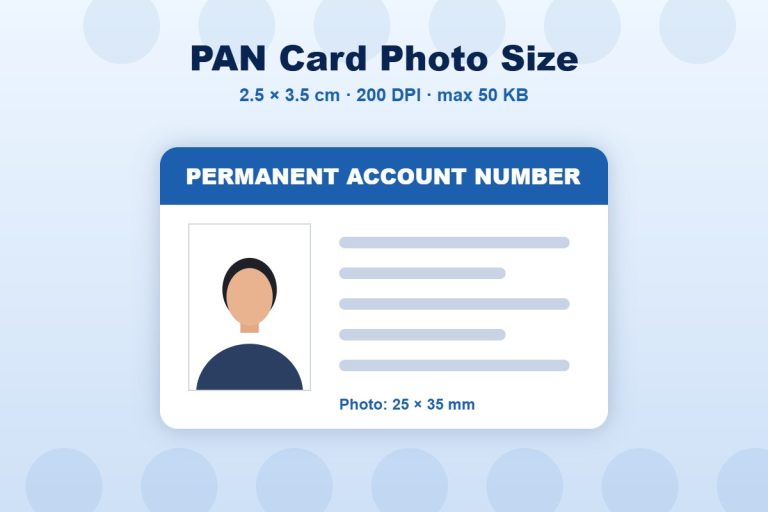
- PAN Card Photo Size — NSDL and UTIITSL photo and signature specs
- ID Card Photo Size — school, college and employee ID photos
- Indian Passport Photo Size — Passport Seva 630 × 810 px rules
- Passport Photo Requirements — face size, background, glasses and dress rules
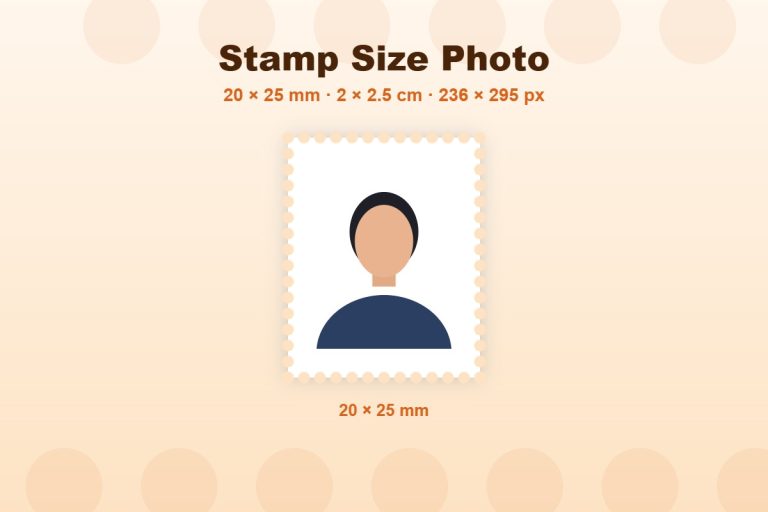
- Stamp Size Photo — 20 × 25 mm in cm, inches and pixels
Frequently Asked Questions
What is the photo size for a driving licence on Sarathi Parivahan?
A colour JPEG with a white background. The commonly reported size is 420 × 525 pixels under 50 KB, but always use the size shown on the Sarathi upload screen for your state.
What is the KB size for a driving licence photo?
Usually under 50 KB. Some state workflows require 10–20 KB, so compress the JPEG to the limit shown on the portal.
Can I use my passport size photo for a driving licence?
Yes, if you resize it to the pixel size and KB limit the Sarathi portal asks for.
How do I change the photo on my driving licence?
Use the change of photo or duplicate DL service on Sarathi Parivahan where available, or visit your RTO. A live photo may be taken at the RTO.
Is the learner licence photo size different?
No. LLR and DL applications use the same Sarathi photo and signature upload rules.
Can I upload a phone photo for a driving licence?
Yes. Take it against a white wall in good light, then crop and compress it to the size and KB limit shown on the Sarathi upload screen.
What is the signature size for a driving licence on Sarathi?
It varies by state. Use a small landscape JPEG of your signature in dark ink and keep it within the KB limit shown on the upload screen, often 10–20 KB.
Does the RTO take a new photo?
In many states the RTO captures a live photo during biometrics, which is used on the card. The uploaded photo is still needed for the application.
Why is my DL photo upload failing?
Usually because the file is above the KB limit, it is not a JPEG, or the pixel size does not match. Compress it to the stated limit and export as JPG.
AUTHOR & WEBSITE OWNER
Written by Muzammal Amin
Muzammal Amin is a PhD student in Physics at the University of Turin with core expertise in mathematics and physics. He develops and reviews the website’s measurement guidance and browser-based photo utility.

Passport Size Photo
An independent online photo utility to create passport-size photos quickly, privately, and easily in your browser.
© PassportSizePhoto.org
Independent online photo utility.
Not affiliated with any government authority.