PAN Card Photo Size: Photo and Signature Size for NSDL and UTIITSL
PAN Card Photo Size at a Glance
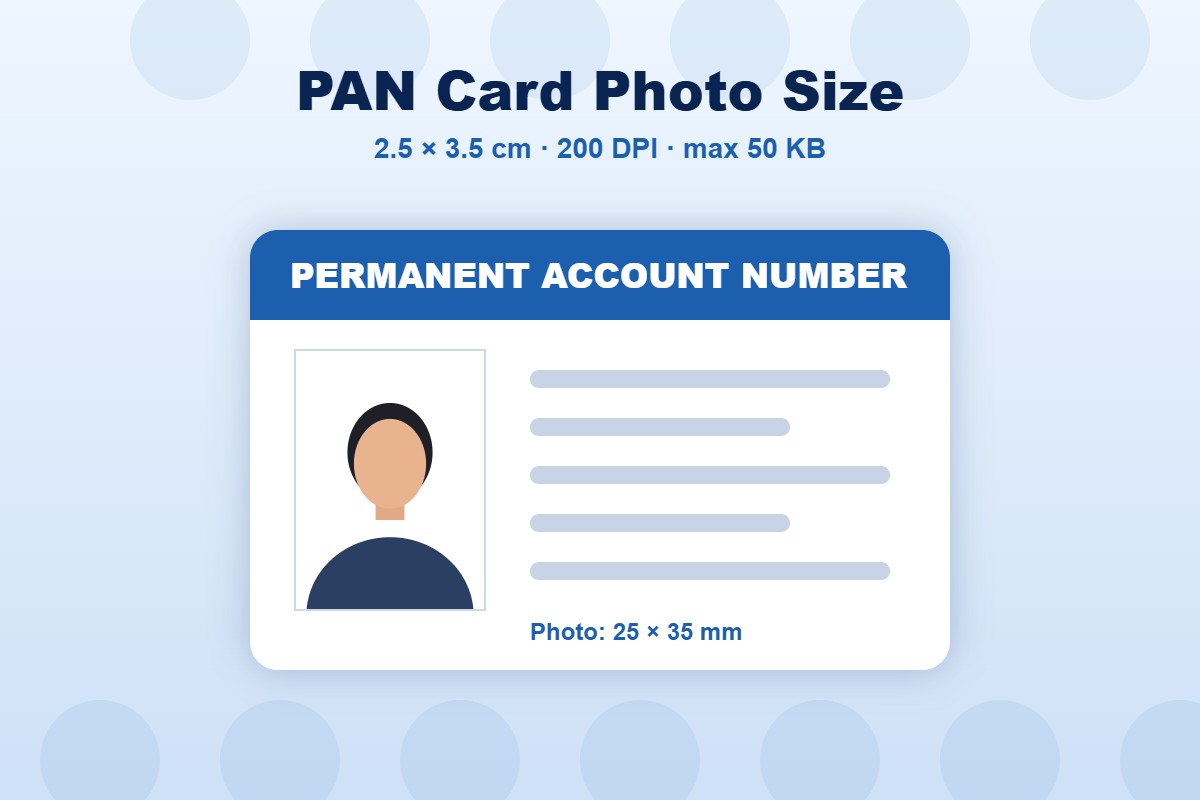
For a PAN application through NSDL / Protean, the photo must be 3.5 cm tall × 2.5 cm wide (25 × 35 mm), scanned or saved at 200 DPI, as a colour JPEG of up to 50 KB. The signature is 2 cm tall × 4.5 cm wide, also at 200 DPI.
| Item | Size | Resolution | File |
|---|---|---|---|
| PAN photo (NSDL / Protean) | 2.5 × 3.5 cm (25 × 35 mm), portrait | 200 DPI, about 197 × 276 px | JPEG, max 50 KB |
| PAN signature (NSDL / Protean) | 4.5 × 2 cm, landscape | 200 DPI, about 354 × 157 px | JPEG, max 50 KB |
| PAN photo (UTIITSL, reported) | 213 × 213 px square | 300 DPI | JPEG, max 30 KB |
| Printed photos for a paper form | 2.5 × 3.5 cm | Photo paper | 2 colour photos |
Source: Protean (NSDL) PAN photo guidelines. UTIITSL values come from its upload screen and can change, so check the limit shown when you upload.
PAN Card Photo Size in cm, mm, Inches and Pixels
| Unit | Width × Height |
|---|---|
| Centimetres | 2.5 × 3.5 cm |
| Millimetres | 25 × 35 mm |
| Inches | 0.98 × 1.38 in |
| Pixels at 200 DPI | 197 × 276 px |
| Pixels at 300 DPI | 295 × 413 px |
Many guides write “3.5 × 2.5 cm”, which lists height first. The photo is still portrait: 2.5 cm wide and 3.5 cm tall.
How to Resize a Photo for a PAN Card
- Open the PAN card preset (25 × 35 mm) in the free photo maker.
- Upload a clear front-facing photo with a plain white or light background.
- Choose 200 DPI for NSDL. The tool shows the final size in pixels.
- Choose JPG and lower the quality until the estimated file size is under 50 KB (under 30 KB for UTIITSL).
- Download the photo and upload it in the PAN form.
For a paper application, print two copies with the print sheet option.
PAN Card Signature Size
Sign in black ink on plain white paper, scan or photograph it, and crop it to 4.5 cm wide × 2 cm tall at 200 DPI (about 354 × 157 px). Keep the JPEG under the KB limit shown on the form. In the photo maker, choose Custom size, enter 45 × 20 mm, and set 200 DPI.
PAN Card Photo Requirements
- Recent colour photo with a plain white or light background
- Face straight to the camera, both eyes open, neutral expression
- No glasses with reflections, no caps, no sunglasses
- Head and top of shoulders visible, face centred
- No filters, no selfie mirror effect, no group photos
These follow the general passport photo requirements at a smaller size.
PAN Card Image vs PAN Card Photo
Many people search for “PAN card image” to see what the card looks like. The physical PAN card is a standard ID card (about 85.6 × 54 mm) that shows your photo, name, father’s name, date of birth, PAN number and signature. The photo printed on it comes from the photo you upload. If it is blurry or too dark, the card photo will be too, so use the 200 DPI size above. Never share a clear image of your real PAN card publicly. It contains personal data that can be misused.
When You Need to Upload a PAN Card Photo
A photo and signature are needed for:
- New PAN applications (Form 49A) for Indian citizens through Protean (NSDL) or UTIITSL
- PAN correction or reprint requests, where you can also change the photo or signature on the card
- Form 49AA for foreign citizens and NRIs, which follows a similar photo format
- Paper applications at PAN centres, where two printed colour photos are pasted on the form
If you apply using Aadhaar-based e-KYC, the photo may be taken from your Aadhaar record instead of an upload. Check what the application screen asks for.
NSDL (Protean) vs UTIITSL Photo Requirements
| Protean (NSDL) | UTIITSL | |
|---|---|---|
| Photo size | 3.5 × 2.5 cm (25 mm wide × 35 mm tall) | Shown on the upload screen (reported as 213 × 213 px) |
| Resolution | 200 DPI | 300 DPI (reported) |
| Photo file | JPEG, up to 50 KB | JPEG, small limit (reported up to 30 KB) |
| Signature | 2 × 4.5 cm, 200 DPI, JPEG | Shown on the upload screen |
| Background | Plain white or light | Plain white or light |
If the upload screen shows different numbers from this table, follow the screen. Portals update their limits from time to time.
How to Scan or Photograph Your PAN Photo and Signature
Photo
- Take a new photo against a plain white wall, or scan a recent printed passport photo at 200–300 DPI.
- Crop it to 25 × 35 mm portrait in the photo maker and set 200 DPI.
- Reduce the JPEG quality until the file is under 50 KB. A 197 × 276 px photo is usually 15–30 KB at good quality.
Signature
- Sign with a black ballpoint or gel pen on clean white paper. Sign larger than usual so it stays clear when reduced.
- Photograph it straight from above in daylight, or scan it.
- Crop tightly to a 4.5 × 2 cm landscape area at 200 DPI and save as JPEG within the limit.
- Make sure the background is white, not grey. Increase brightness slightly if needed.
Common PAN Photo Upload Errors and Fixes
| Error | Likely cause | Fix |
|---|---|---|
| “File size exceeds limit” | JPEG over 50 KB (NSDL) or 30 KB (UTIITSL) | Lower the JPEG quality and export again |
| “Invalid dimensions” | Photo not 2.5 × 3.5 cm at 200 DPI | Use the 25 × 35 mm preset at 200 DPI |
| Photo appears stretched | Resized without cropping to 5 : 7 | Crop to the correct shape before resizing |
| Signature too faint | Pale pen or grey paper | Use a dark pen on white paper; increase contrast |
| PNG or HEIC not accepted | Wrong format | Export as JPG |
| Blurry card photo | Over-compressed or low resolution | Keep 200 DPI and use the highest quality under the limit |
PAN Card Photo Tips
- Use a recent photo; the PAN card is used as ID for years.
- Face the camera straight on with both ears roughly symmetrical, eyes open and a neutral expression.
- Wear dark or coloured clothes that contrast with the white background.
- Avoid shadows on the face; daylight from a window works best.
- Do not use group photos, selfies with filters or photos with objects in front of the face.
Other Indian document sizes: stamp size photo, driving licence photo and Indian passport photo.
Related Guides
- Passport Size Photo Maker — crop, resize and download your photo free
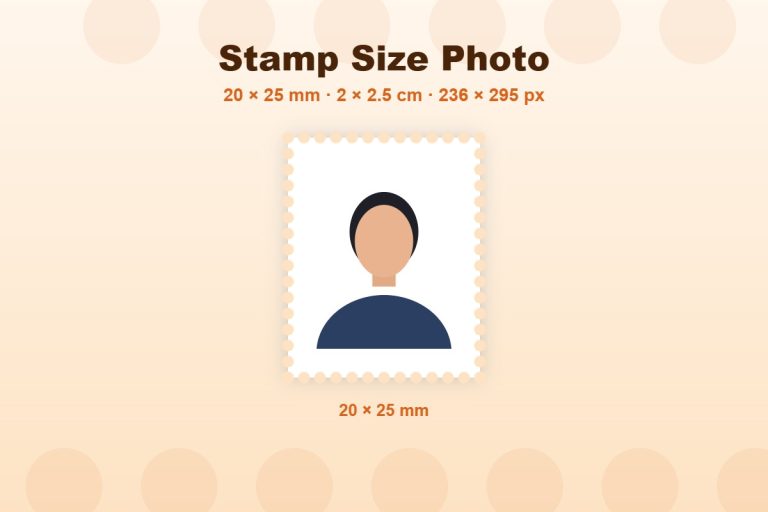
- Stamp Size Photo — 20 × 25 mm in cm, inches and pixels
- Indian Passport Photo Size — Passport Seva 630 × 810 px rules
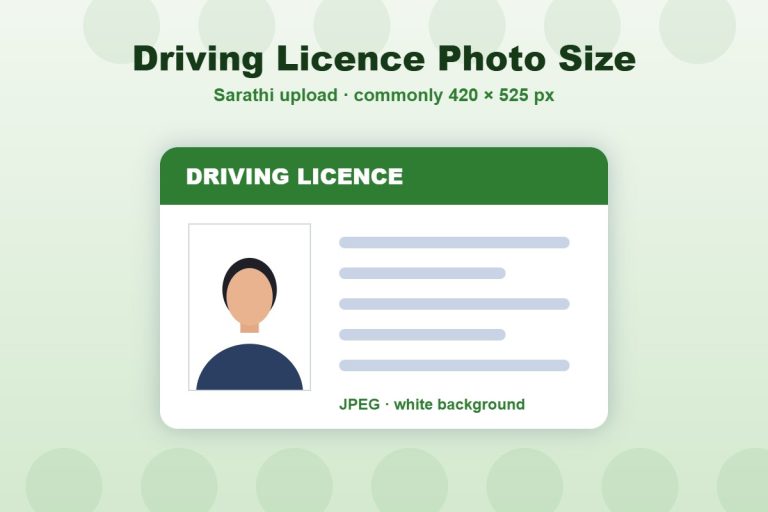
- Driving Licence Photo Size — Sarathi Parivahan upload rules
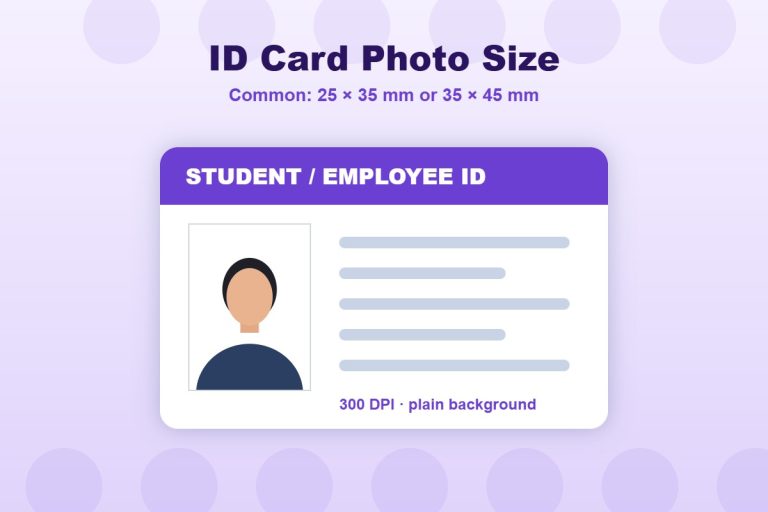
- ID Card Photo Size — school, college and employee ID photos
- How to Print Passport Size Photos — 4 × 6 and A4 print sheets
Frequently Asked Questions
What is the PAN card photo size in cm?
2.5 cm wide by 3.5 cm tall (25 × 35 mm). Some forms write it as 3.5 × 2.5 cm, height first.
What is the PAN card photo size in KB?
For NSDL / Protean the photo must be a JPEG of up to 50 KB at 200 DPI. UTIITSL has used a 30 KB limit for a 213 × 213 px photo.
What is the PAN card photo size in pixels?
At 200 DPI, 2.5 × 3.5 cm is about 197 × 276 pixels. At 300 DPI it is about 295 × 413 pixels.
What is the signature size for a PAN card?
4.5 cm wide by 2 cm tall at 200 DPI, saved as a JPEG within the KB limit shown on the form.
Can I use a passport size photo for a PAN card?
Only after resizing it to 2.5 × 3.5 cm and compressing it under 50 KB. A 35 × 45 mm passport photo is larger than the PAN format.
Can I change the photo on my PAN card?
Yes. Use the PAN correction or reprint request on the Protean (NSDL) or UTIITSL website and upload a new photo and signature.
Which pen colour should I use for the PAN signature?
Use a black pen on white paper for the clearest scan.
Why does my PAN photo upload fail?
Usually because the JPEG is over the KB limit or the dimensions are wrong. Crop to 2.5 × 3.5 cm at 200 DPI and compress under 50 KB.
Is a white background mandatory for a PAN card photo?
A plain white or very light background is required for a clear card photo.

AUTHOR & WEBSITE OWNER
Written by Muzammal Amin
Muzammal Amin is a PhD student in Physics at the University of Turin with core expertise in mathematics and physics. He develops and reviews the website’s measurement guidance and browser-based photo utility.

Passport Size Photo
An independent online photo utility to create passport-size photos quickly, privately, and easily in your browser.
© PassportSizePhoto.org
Independent online photo utility.
Not affiliated with any government authority.