Stamp Size Photo: Size in cm, mm, Inches and Pixels
Stamp Size Photo Size at a Glance
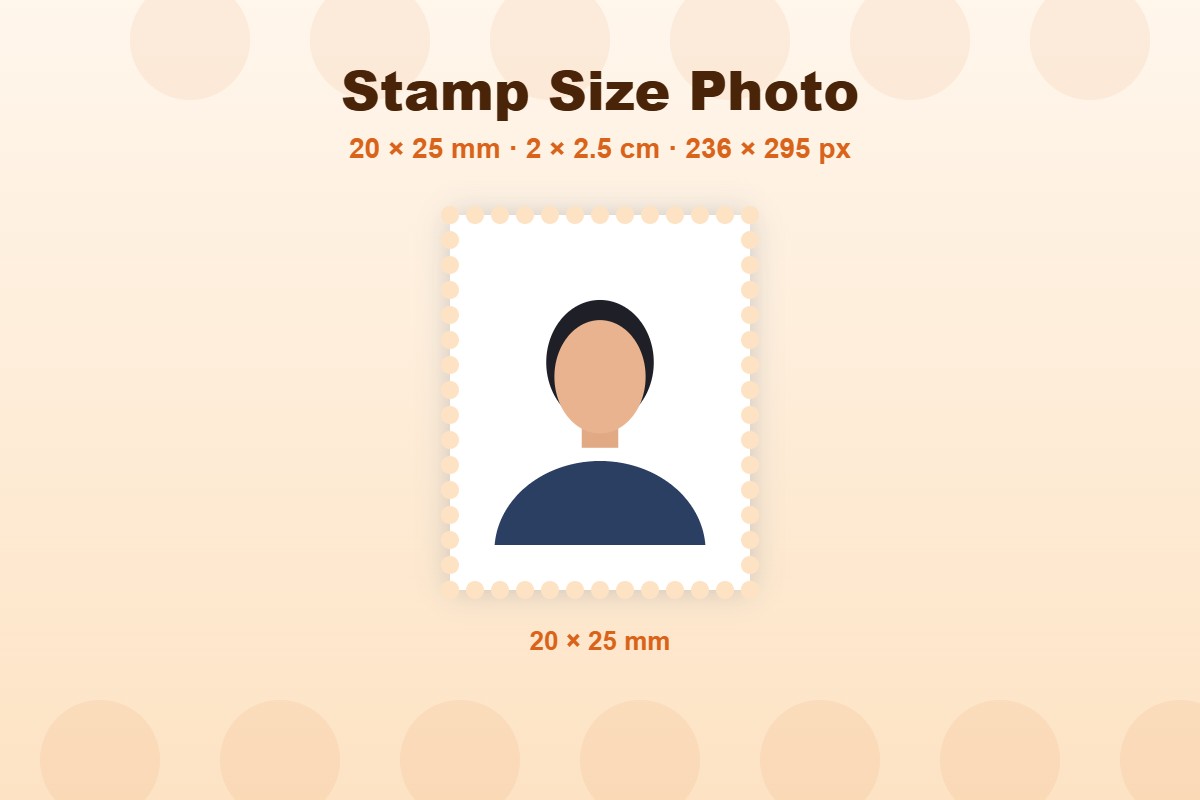
The most common stamp size photo size is 20 × 25 mm, which is 2 × 2.5 cm, about 0.79 × 0.98 inches, and 236 × 295 pixels at 300 DPI. It is a small portrait photo used on Indian application forms, admit cards, certificates and some ID cards.
| Unit | Width | Height |
|---|---|---|
| Millimetres | 20 mm | 25 mm |
| Centimetres | 2 cm | 2.5 cm |
| Inches | 0.79 in | 0.98 in |
| Pixels at 300 DPI | 236 px | 295 px |
| Pixels at 600 DPI | 472 px | 591 px |
Some photo studios also sell a “large stamp” at 25 × 30 mm. If your form prints a box of a different size, the box on the form wins: measure it and use those dimensions instead.
Stamp Size vs Passport Size Photo
A passport size photo in India is 35 × 45 mm, so it is noticeably larger than a stamp size photo. Both are portrait photos with the face centred on a plain light background; only the print size changes.
| Photo type | Size (mm) | Size (cm) | Pixels at 300 DPI | Typical use |
|---|---|---|---|---|
| Stamp size | 20 × 25 | 2 × 2.5 | 236 × 295 | Forms, admit cards, certificates |
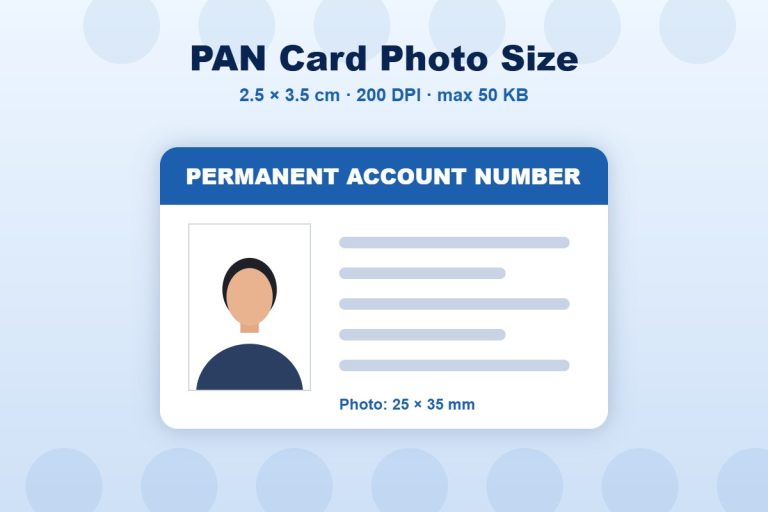
| PAN card | 25 × 35 | 2.5 × 3.5 | 295 × 413 | PAN application (NSDL) |
| Passport size | 35 × 45 | 3.5 × 4.5 | 413 × 531 | Passport, visas, most ID forms |
| 2 × 2 inch | 51 × 51 | 5.1 × 5.1 | 600 × 600 | US passport and visa |
For the full passport conversion table, see Passport Size Photo Size. For the PAN card format, see PAN Card Photo Size.
How to Make a Stamp Size Photo Online
- Open the stamp size photo maker preset. It loads 20 × 25 mm automatically.
- Upload a clear front-facing photo taken against a plain wall.
- Zoom and drag so the face fills about 70–80% of the frame height, with a little space above the hair.
- Choose JPG and 300 DPI, then create and download the photo.
- To print, use the 4 × 6 in or A4 print sheet button, which tiles the photo across the sheet with thin cut lines.
Everything runs in your browser; the photo is not uploaded to a server.
How Many Stamp Size Photos Fit on One Sheet?
At 20 × 25 mm with a 2 mm gap, a 4 × 6 inch (102 × 152 mm) print fits 20 stamp size photos (4 columns × 5 rows). An A4 sheet fits more than 80. Many people print a mixed sheet in a studio, such as 6 passport size and 4 stamp size photos; online you can download one sheet of each and print both. See How to Print Passport Size Photos for paper and printer settings.
Stamp Size Photo Requirements
- Recent colour photo, usually taken within the last 6 months
- Plain white or light background with no shadows (see passport photo background)
- Face straight to the camera, both eyes open, neutral expression
- Head and top of shoulders visible, not cut off
- No filters, beauty effects or heavy editing
These match the general passport photo requirements. A stamp photo is simply printed smaller.
Stamp Size Photo in Pixels for Online Forms
Online forms rarely say “stamp size”. They give pixels and a file-size limit, for example 200 × 230 px and 20–50 KB. In that case choose Custom size → Pixels in the photo maker, enter the numbers from the form, and use the quality setting to keep the file under the KB limit.
Where Stamp Size Photos Are Used
Stamp size photos are mostly an Indian requirement. The small format fits the photo boxes printed on paper forms, where a full passport size photo would overlap the text. Common uses include:
- School and college admissions: application forms, admit cards, hostel forms and library cards
- Exam forms and attendance sheets: many state boards and universities ask for one stamp size photo to paste in the hall ticket box
- Bank documents: account opening forms, nominee forms and some KYC updates
- Government forms: ration card, caste or income certificate applications and some municipal forms
- Employment forms: joining forms, attendance registers and ID card requests
- Affidavits and agreements: some rental agreements and notarised documents use a small photo next to the signature
If an online form asks you to upload a “stamp size photo”, it usually means a small file with fixed pixel dimensions, not a printed 20 × 25 mm photo. Use the pixels and KB limit stated in that form.
How to Take a Photo for a Stamp Size Print at Home
A stamp size print is tiny, so small mistakes such as a dark face, shadows or a tilted head are very noticeable. Take a good original photo first, then crop it.
- Stand about 1 m in front of a plain white or light-coloured wall.
- Face a window or a soft light source so your face is evenly lit.
- Ask someone to hold the phone at eye level, about 1.2–1.5 m away, using the rear camera.
- Keep your head straight, look into the lens, and close your mouth.
- Take several photos and pick the sharpest one with open eyes.
Because the final print is only 2 cm wide, crop a little tighter than for a passport photo: the face should fill about 70–80% of the height so it stays recognisable.
Stamp Size Photo Size in Different Units
Use this table when a form gives the size in a unit other than millimetres.
| Format | mm | cm | Inches | Pixels at 200 DPI | Pixels at 300 DPI |
|---|---|---|---|---|---|
| Standard stamp size | 20 × 25 | 2 × 2.5 | 0.79 × 0.98 | 157 × 197 | 236 × 295 |
| Large stamp size | 25 × 30 | 2.5 × 3 | 0.98 × 1.18 | 197 × 236 | 295 × 354 |
| PAN card size | 25 × 35 | 2.5 × 3.5 | 0.98 × 1.38 | 197 × 276 | 295 × 413 |
For printing, use 300 DPI. Lower resolutions print soft. Higher values only make the file bigger.
Printing Stamp Size Photos
- Print on glossy or semi-gloss photo paper. Plain printer paper smudges and looks dull.
- In the print dialog, choose actual size / 100% and turn off “fit to page”, otherwise the photos come out larger or smaller than 20 × 25 mm.
- Use the 4 × 6 in print sheet from the photo maker: 20 stamp size photos fit on one 4 × 6 print, with thin cut guides.
- Cut with a ruler and a sharp blade or a paper trimmer for straight edges.
- Measure one printed photo with a ruler before cutting the rest. It should be exactly 2 cm wide and 2.5 cm tall.
Common Stamp Size Photo Mistakes
| Mistake | Why it is a problem | Fix |
|---|---|---|
| Printing a passport size photo and trimming it | The face becomes too small or gets cut off | Crop the digital photo to 20 × 25 mm first |
| Face too small | Hard to recognise on a 2 cm print | Zoom in so the face fills 70–80% of the height |
| Busy background | Looks unprofessional; may be refused | Use a plain wall or the background changer |
| Selfie with front camera | Distorted face, mirror image | Use the rear camera from 1.2 m or more |
| Printed at “fit to page” | Wrong physical size | Print at 100% / actual size |
| Old photo | Forms usually need a recent photo | Take a new photo |
Related Guides
- Passport Size Photo Maker — crop, resize and download your photo free
- Passport Size Photo Size — dimensions in mm, cm, inches and pixels
- PAN Card Photo Size — NSDL and UTIITSL photo and signature specs
- How to Print Passport Size Photos — 4 × 6 and A4 print sheets
- Passport Photo Requirements — face size, background, glasses and dress rules
Frequently Asked Questions
What is the size of a stamp size photo in cm?
A standard stamp size photo is 2 × 2.5 cm (20 × 25 mm). Some studios also offer a larger 2.5 × 3 cm stamp print, so check the box printed on your form.
What is stamp size photo size in pixels?
At 300 DPI a 20 × 25 mm stamp size photo is about 236 × 295 pixels. At 600 DPI it is about 472 × 591 pixels.
Is stamp size the same as passport size?
No. Passport size in India is 35 × 45 mm, while stamp size is 20 × 25 mm. The framing rules are similar, but the stamp photo is printed smaller.
What is stamp size photo in inches?
A 20 × 25 mm stamp size photo is about 0.79 × 0.98 inches.
Can I make a stamp size photo at home?
Yes. Take a photo against a plain light wall, open the stamp size preset in the free photo maker, crop it to 20 × 25 mm and print it on a 4 × 6 in or A4 sheet.
How many stamp size photos are there on a 4 × 6 sheet?
With 2 mm gaps between photos, a 4 × 6 inch print fits 20 stamp size photos of 20 × 25 mm.
What background should a stamp size photo have?
A plain white or light-coloured background, unless the form asks for a specific colour.
Is a stamp size photo the same as a PAN card photo?
No. A standard stamp size photo is 20 × 25 mm, while a PAN card photo is 25 × 35 mm.
Can I upload a stamp size photo online?
Yes, if the form asks for one. Online forms usually give a pixel size and KB limit instead of millimetres. Use those numbers with the custom size option.

AUTHOR & WEBSITE OWNER
Written by Muzammal Amin
Muzammal Amin is a PhD student in Physics at the University of Turin with core expertise in mathematics and physics. He develops and reviews the website’s measurement guidance and browser-based photo utility.

Passport Size Photo
An independent online photo utility to create passport-size photos quickly, privately, and easily in your browser.
© PassportSizePhoto.org
Independent online photo utility.
Not affiliated with any government authority.